The problem
An idea for a song can arrive away from your desk. Separate notes and recordings make it harder to find the pieces again.
Available free on the App Store for iPhone running iOS 18 or later. No account, subscription or in-app purchase.
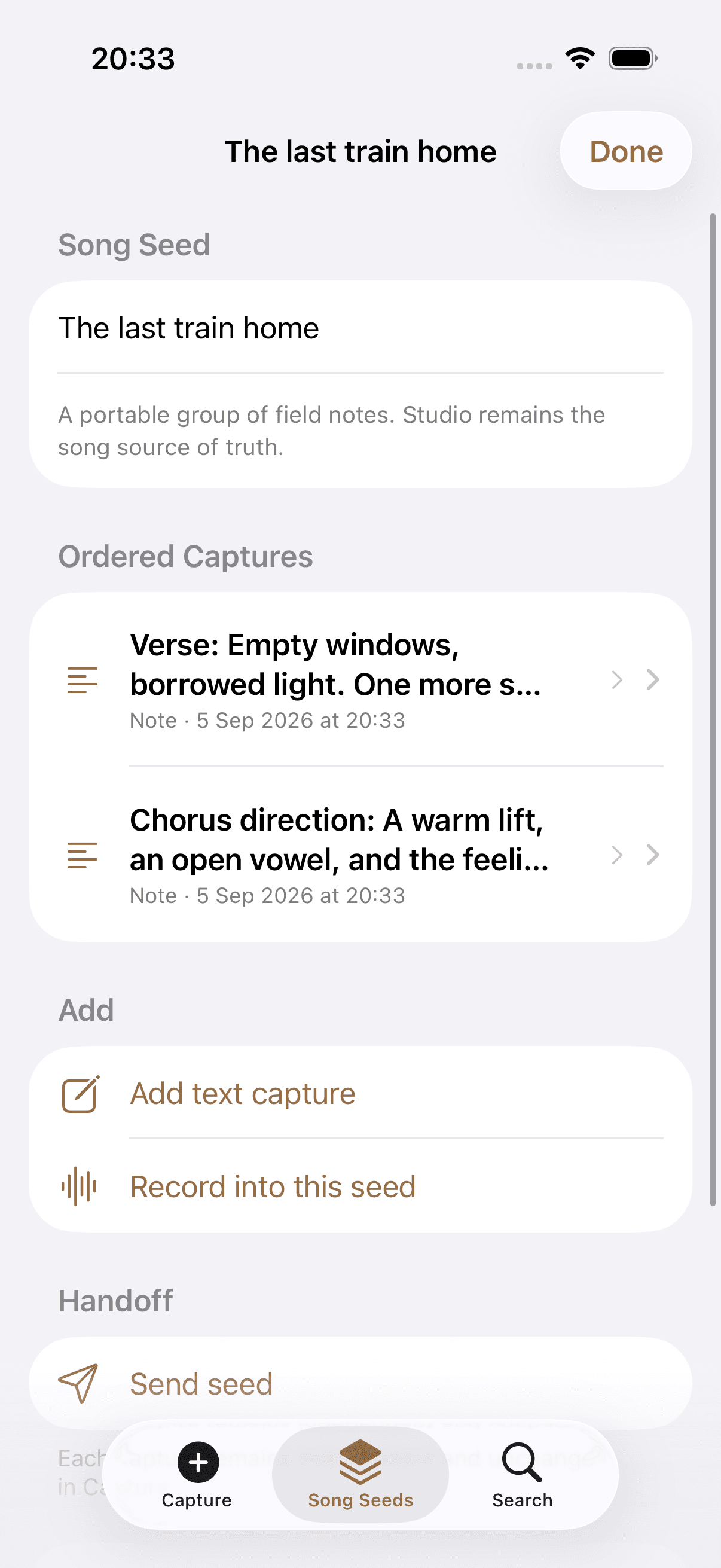
I built a free native iPhone app for lyric ideas and voice notes. You can group them into Song Seeds and share them with Kordra Studio.
An idea for a song can arrive away from your desk. Separate notes and recordings make it harder to find the pieces again.
I built text and voice capture around local storage, with Song Seeds to group related ideas and exports for Studio.
You can download the free iPhone app, save text and voice notes, and share a collection when you’re ready to develop it.
I designed Capture for saving a line or recording a melody on the iPhone, away from a full writing session.
You can collect fragments in Capture and group them into a Song Seed. When you’re ready, you can share them with Studio on the Mac.
I made text and voice the entry points. You can save the idea first and add context later.
I added Song Seeds so you can put related fragments in order while keeping the original notes and recordings.
I used shareable packages and a local Outbox to show what you’ve prepared to send. Preparing an export doesn’t count as a confirmed import.
I built the interface in SwiftUI, with search and Song Seeds alongside capture. App Intents and a Share Extension provide other ways to add text and audio.
I used AVFoundation for recording and added a local staging step to keep the audio safe while the app saves it to the collection.
You can use standard exports or a package for Studio. The original notes and recordings stay on your device.
You can save text and voice notes, group them into Song Seeds and share them from the iPhone app.
I built Capture for collecting ideas on the phone and Studio for developing the song on a Mac, with an export between them.
I designed, built and released Capture as a free iPhone app. You can download it from the App Store.